RestaurantGrocery
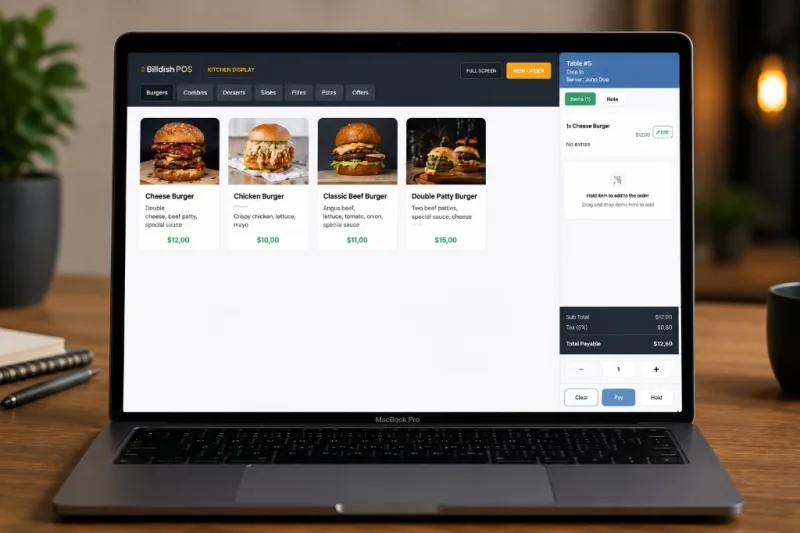
POS System
Counter checkout with cart, receipts, and customer lookup. Restaurants: dine-in or takeaway. Grocery: barcode scan at the till. Queues offline and syncs when back online.
Billdish helps you run restaurants and grocery stores from one cloud platform. Manage inventory, take payments at the till, track staff, and see real-time reports—each business in its own secure account.
Built for restaurants & grocery stores across Europe

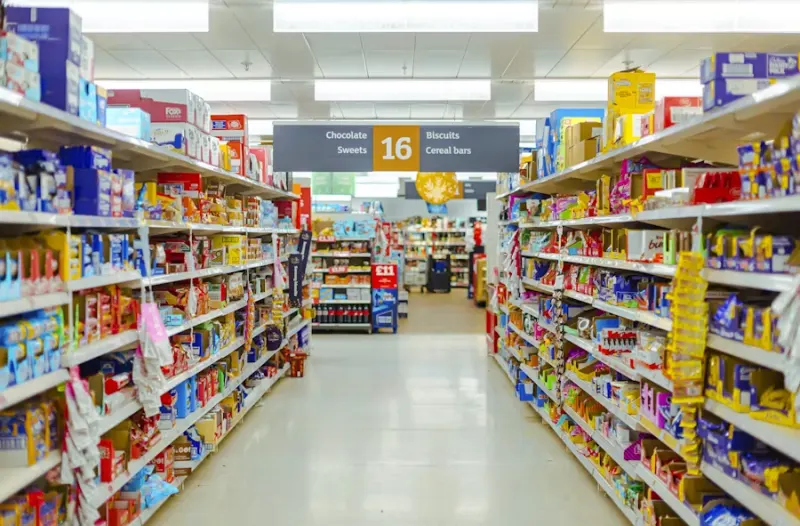

Restaurants & Grocery Stores
One cloud platform built for food service and retail checkout
Your Own Account
Each business keeps its own products, staff, customers, and reports
Inventory to Checkout
Stock, POS, payments, and reporting connected in one stack
Pick Restaurant or Grocery Store at signup—each account gets the modules it needs. Core tools for checkout, inventory, team, and reporting are shared across both.
Counter checkout with cart, receipts, and customer lookup. Restaurants: dine-in or takeaway. Grocery: barcode scan at the till. Queues offline and syncs when back online.
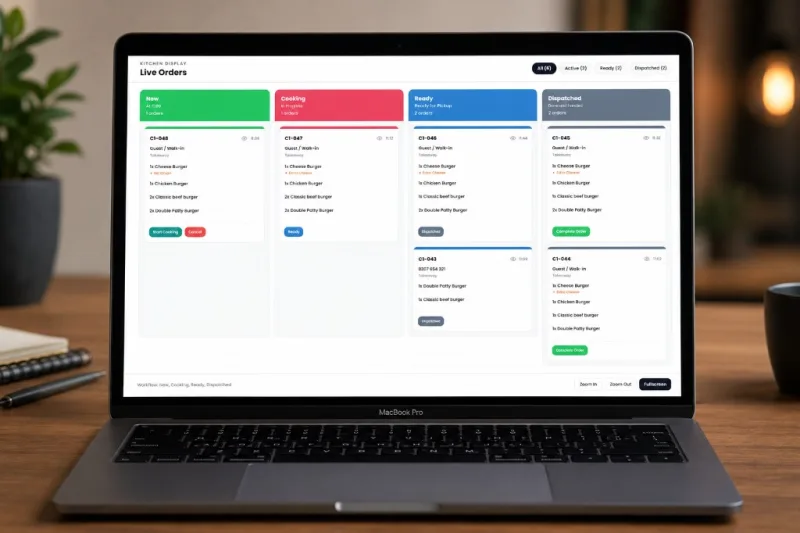
Live ticket columns from New → Cooking → Ready → Dispatched. Every POS and approved online order routes to the line in real time.
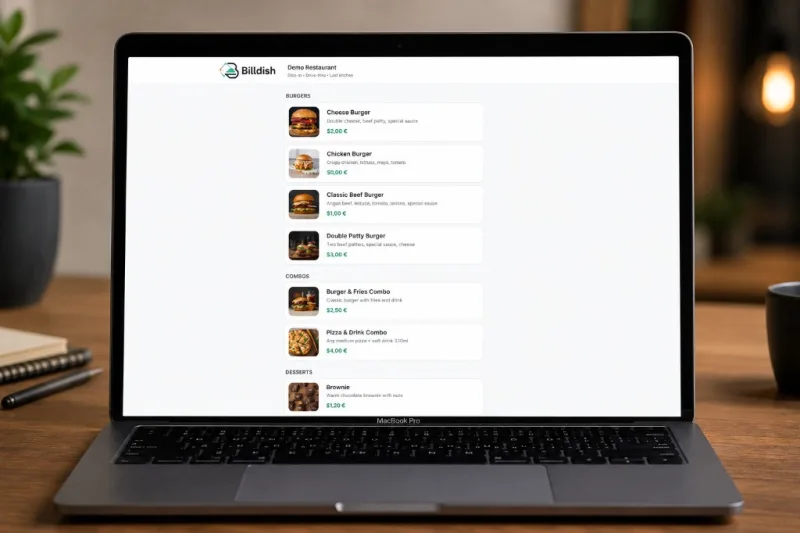
Guests place takeaway orders from your public menu. You approve in admin, then tickets join the same kitchen queue as counter sales.
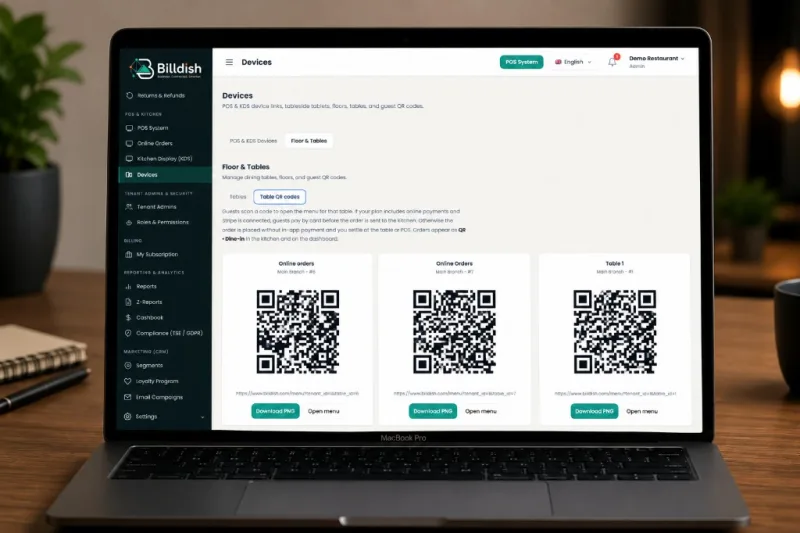
Assign QR codes to dining tables so guests order and pay from their phone—orders land on the floor and in the kitchen.
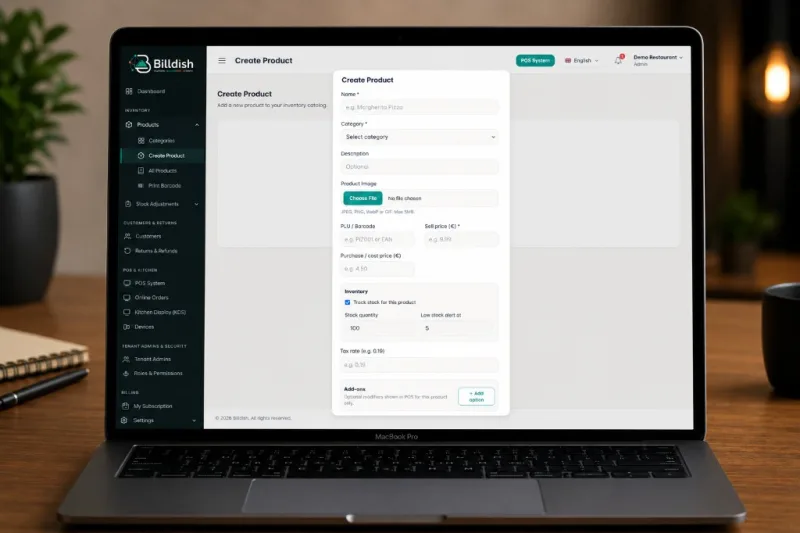
Categories, products, variants, and add-on groups—build your menu once and sell it on POS, table QR, and online orders.
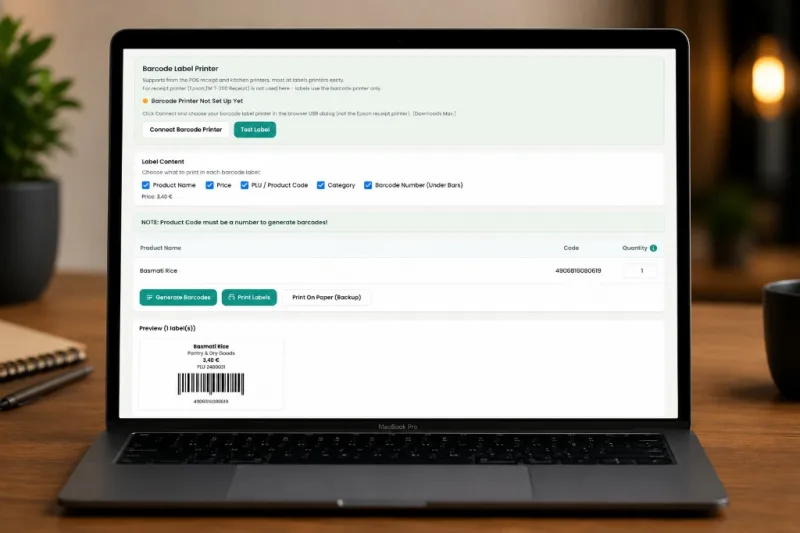
Generate and print product labels from your catalog. Cashiers scan at checkout without retyping names or prices.
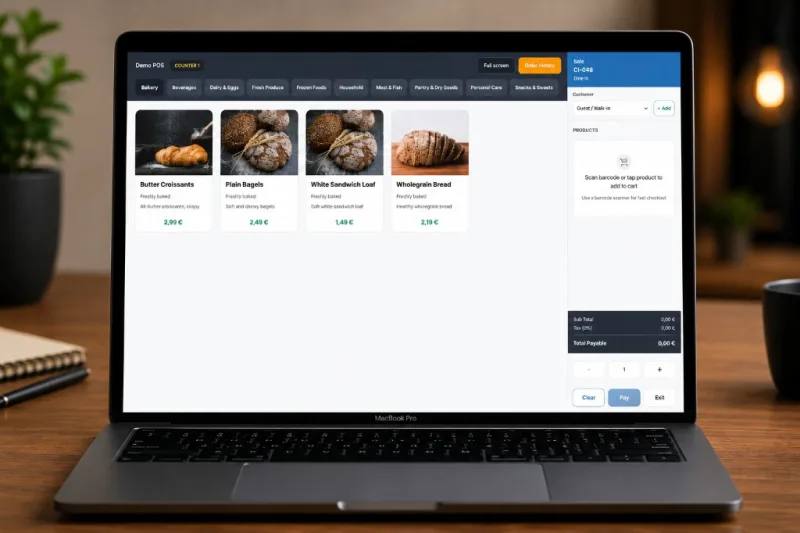
Track inventory levels, log restocks and waste, and set counts after a physical check—tied to your product catalog.
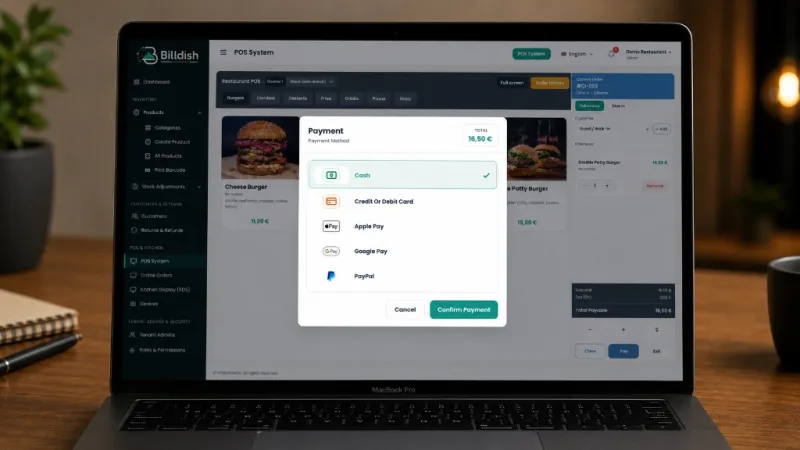
Accept cash, Stripe card payments, and PayPal at checkout. Split and mixed tender on plans that include those features.
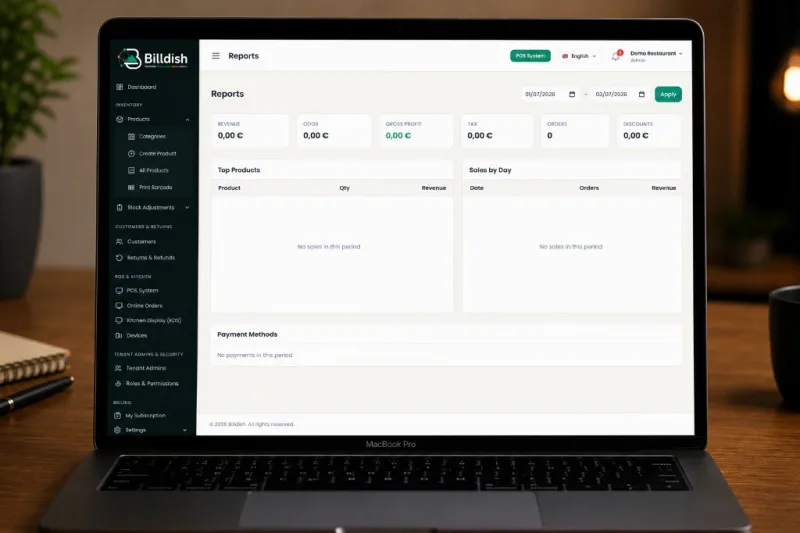
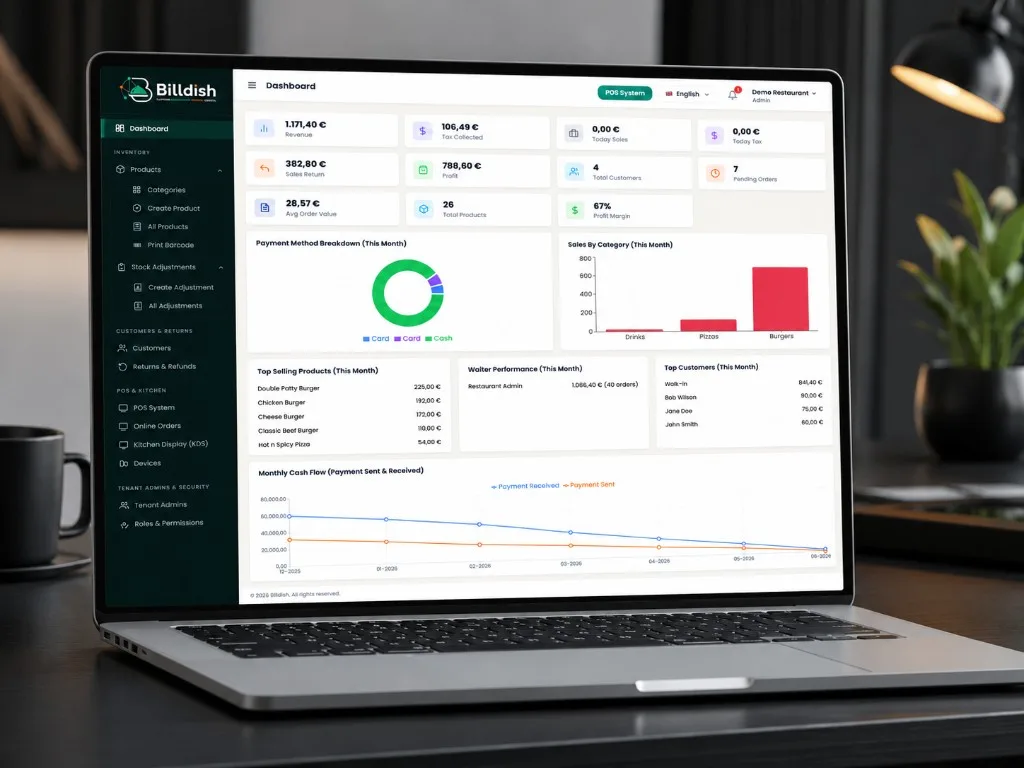
Revenue, tax, sales trends, customers, and pending orders on your dashboard—plus detailed sales reports when you need them.
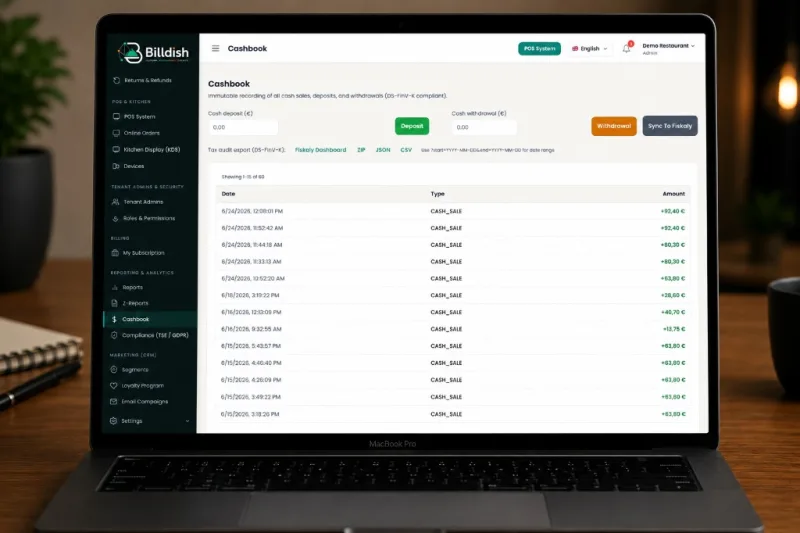
Shift closeouts and settlement reporting with Z-reports. Record cash movements and reconcile the till day to day.
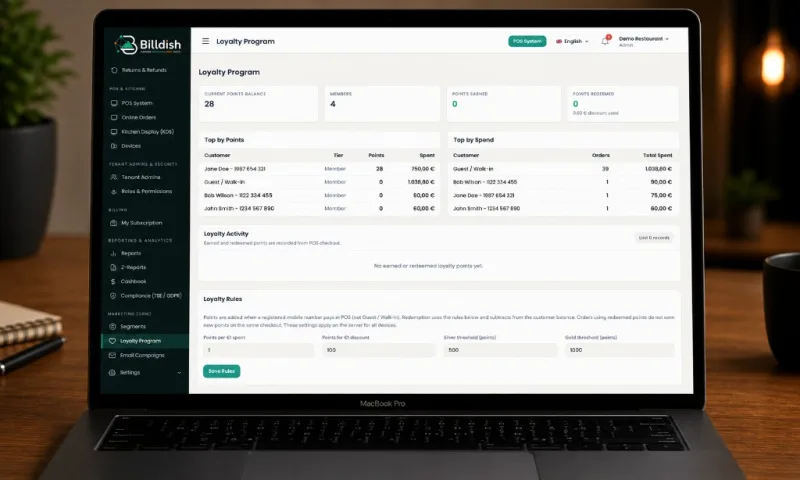
Loyalty points, customer segments, and email campaigns—grow repeat visits from the same customer profiles you use at checkout.
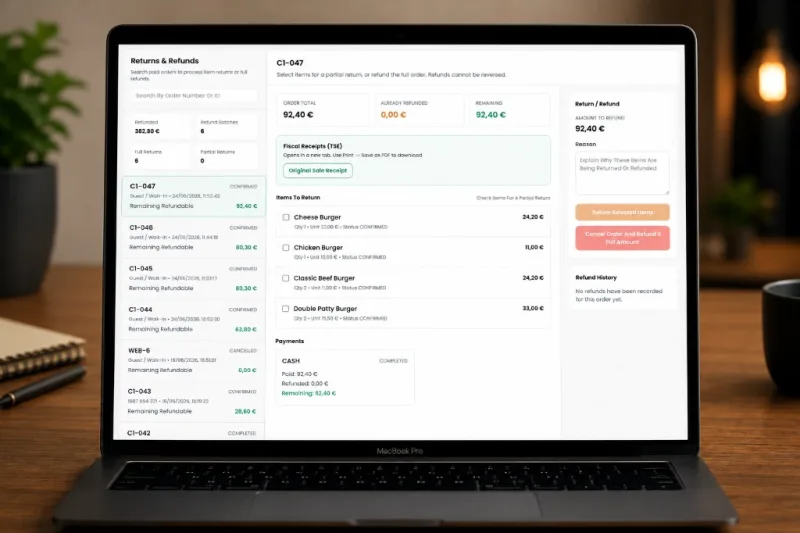
Process partial or full returns at the counter. Refund history stays aligned with orders and your cashbook.
Pair your software with tablets, kitchen and customer displays, receipt printers, scanners, drawers, and kiosks—USB, Wi‑Fi, or Ethernet. One-time setup on each till, then staff just press Pay.
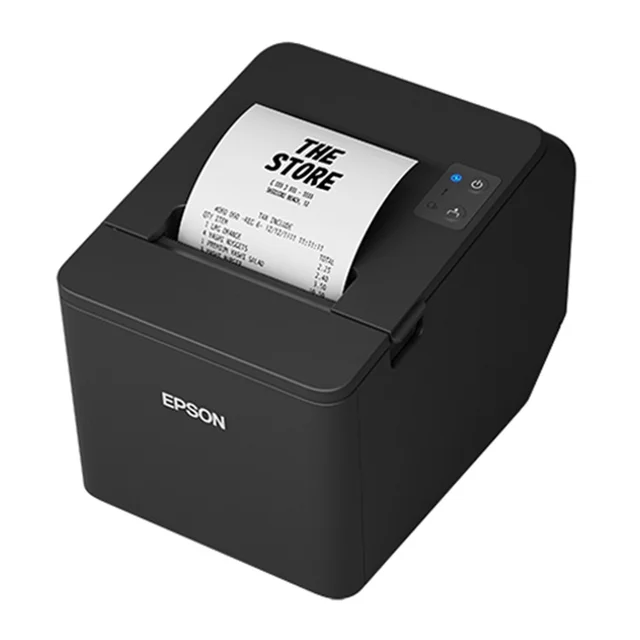
Fast ESC/POS receipts and kitchen tickets. USB or Wi‑Fi—connect once per computer and print silently at checkout.
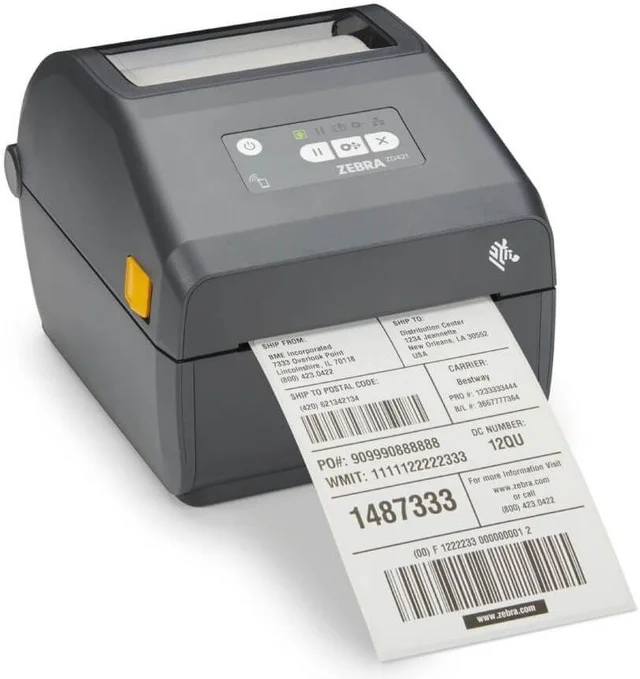
Print shelf labels and product barcodes from your catalog—ideal for grocery and retail aisles.
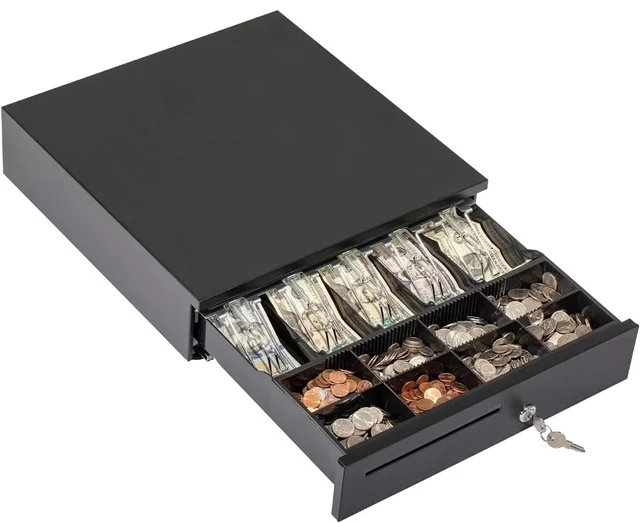
RJ11 drawer connected to your receipt printer—opens automatically on cash payments.
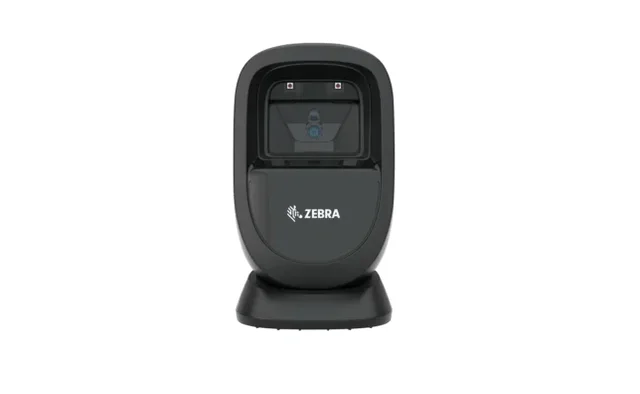
USB or wireless handheld scanners for quick checkout and stock counts at the till.
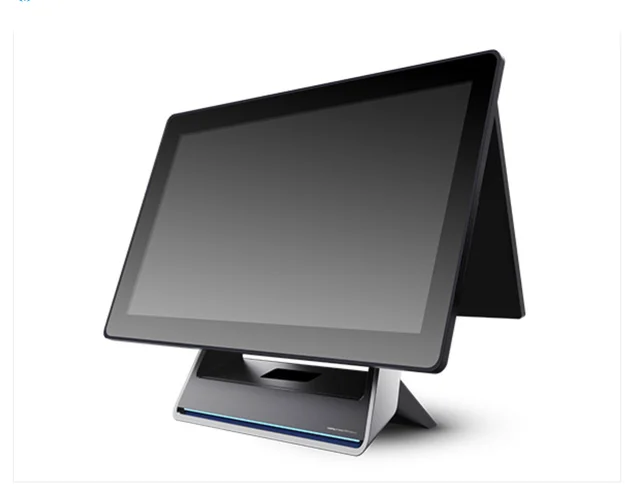
€550
8GB RAM, 128GB SSD
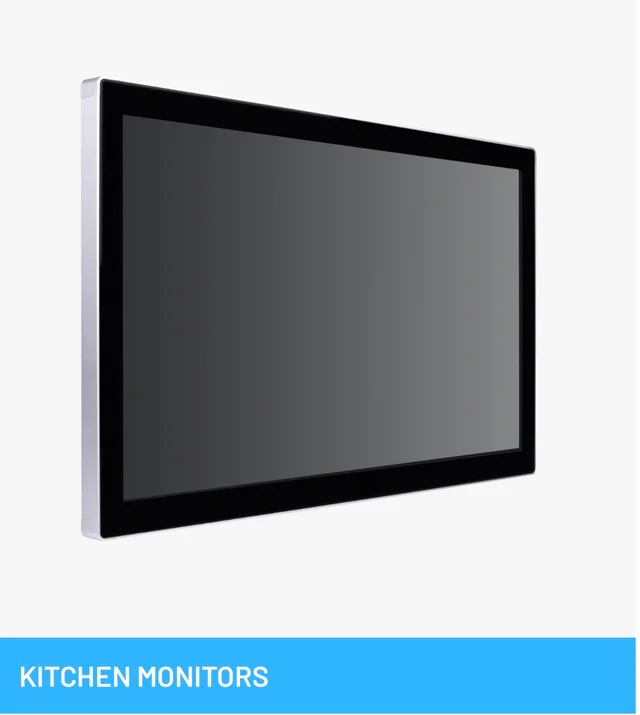
Wall-mounted screen in the kitchen shows live tickets, prep times, and bump bars—no paper chits.
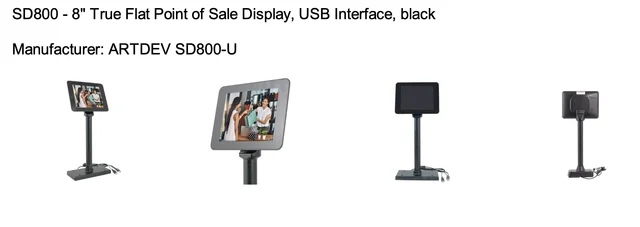
€150
SD800 - 8" True Flat Point of Sale Display, USB Interface, black Manufacturer: ARTDEV SD800-U
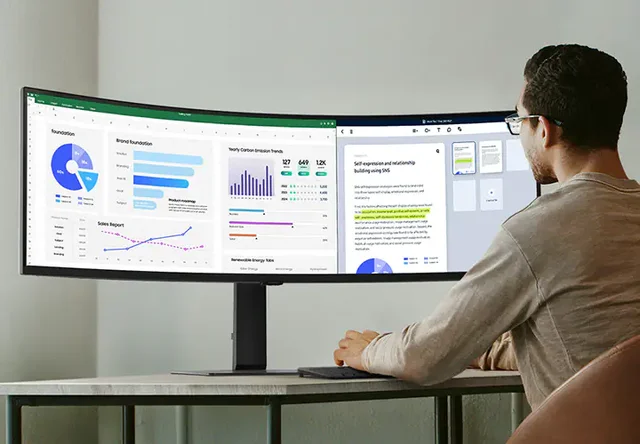
Desktop or large touchscreen in the office for reports, inventory, staff, and multi-location dashboards.
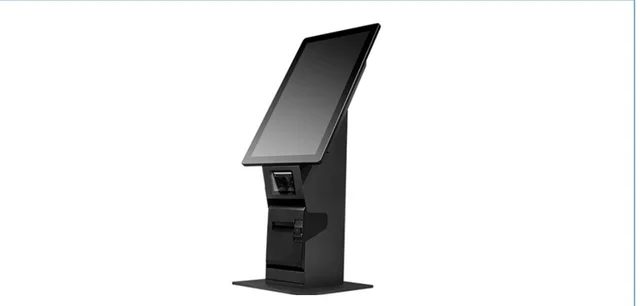
Customer-facing kiosk or tablet stand for queue-busting ordering in busy restaurants and stores.
Whether you manage the business or work a shift, Billdish gives you the tools you need—without clutter from features you don't use.
From stock on the shelf to payment at the till—one connected workflow for restaurants and grocery stores.
Categories, products, barcodes, and stock adjustments—whether you sell plated dishes or grocery aisles.
Fast counter sales with cash, card, and split payments. Queues orders offline and syncs when you're back online.
Kitchen Display (KDS), table QR codes, and online orders—for dine-in and takeaway at the counter.
Customer profiles, segments, loyalty points, email campaigns, and returns—scoped to your business only.
Dashboard, sales reports, Z-reports, and cashbook for shift closeouts and day-to-day finance.
Staff accounts, roles and permissions, and My Subscription—manage your team and plan from one place.
Billdish is an all-in-one platform for restaurants and grocery stores—from independent cafés and corner shops to multi-site groups. Inventory, POS, kitchen display, online orders, barcodes, loyalty, and reporting in one cloud stack.
Get started free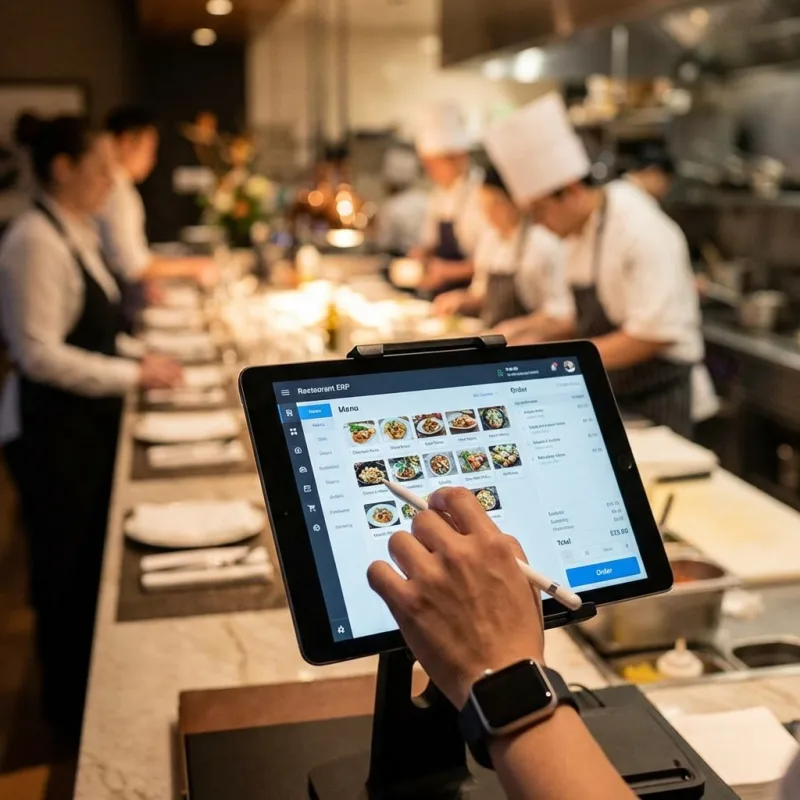

Choose Restaurant or Grocery Store at signup. Restaurants get menu, kitchen display, table QR, and online orders. Grocery stores get barcode printing, stock adjustments, and retail POS—each on the same core for products, payments, and reports.
What happens on the floor flows into your dashboard: POS orders, kitchen tickets, stock changes, loyalty, Z-reports, and cashbook. The till works offline and syncs when you are back online.
We support restaurants and grocery stores of all shapes and sizes—but we're a perfect fit for:
Dine-in with dining tables, table QR ordering, kitchen display, and counter POS—menu, add-ons, and tickets stay in sync through service.
Takeaway at the till or online orders that land for admin approval, then route to the kitchen display alongside counter sales.
Scan barcodes at the till, track stock levels, print labels, record adjustments, and process returns and refunds tied to your cashbook.
High-volume POS with kitchen display and add-on modifiers—built for fast counter and kitchen handoff during peak hours.
Run branches within one account or separate businesses each with their own products, staff, and reports—without mixing books.
No IT team required. Register, set up categories and products, invite staff with roles, and start selling on a free trial.
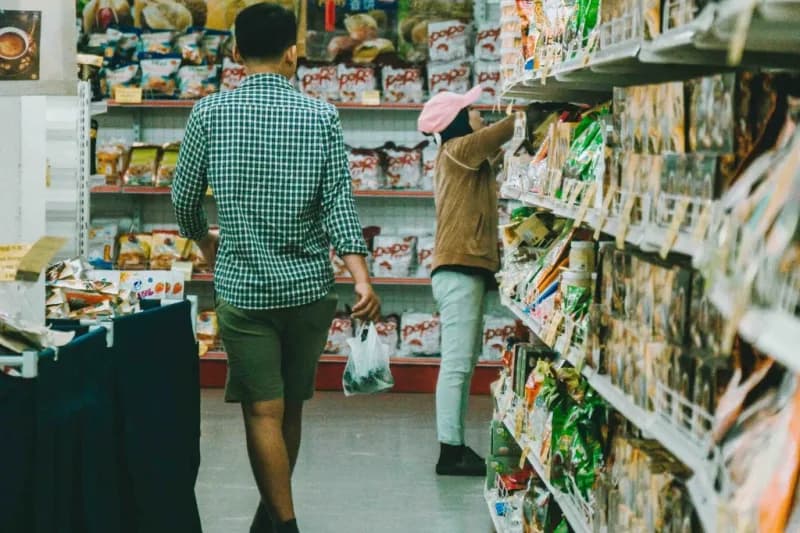
Restaurants and grocery stores run on the floor. Billdish connects what happens there to what you see on screen.

Restaurants
Full-service dining and cafés—menu, kitchen display, tables, and floor in one flow.
Grocery Stores
Retail checkout with barcodes, stock levels, and returns tied to every sale.

Real Operations
What happens on the floor shows up in your dashboard—in real time.
Each business type gets the tools it needs—restaurants focus on kitchen and table service; grocery stores on stock and retail checkout.
Take orders at the counter or on tablets—split payments, receipts, and customer lookup built in.
Route tickets to the line: New → Cooking → Ready → Dispatched, synced with every POS order.
Guests scan to order from the table; online orders wait for admin approval, then join the same kitchen queue as POS sales.
Scan barcodes, adjust quantities, and take payment at the till—cash, card, or mixed tender.
Track inventory levels, print barcodes, and record stock adjustments when deliveries or waste occur.
Process customer returns at the counter and keep sales history aligned with your cashbook.
Start with a free trial on any plan. Upgrade when you need online payments, loyalty, or multi-branch reporting. Manage your plan anytime under My Subscription.
MONTHLY
Predictable monthly billing with every core module included.
0% commission · 0 day trial · 0 day grace
All plans include a trial period. Commission rates apply to card and online payments. Request a plan change anytime from My Subscription inside your dashboard.
Restaurant locations also include kitchen display and tableside tablet ordering at no extra cost.
Stripe, PayPal, Apple Pay, Google Pay, Klarna, cash, bank transfer, and leading card terminals are integrated into Billdish. Turn on what you use in Settings and start taking payments at the till, on tablets, and online—no extra plugins.
Restaurants and grocery stores use the same payment stack. Connect your credentials once and your team can charge customers the way they prefer.
Trusted payment partners
18+ integrated payment options
Need a terminal brand that is not listed? Contact us—we regularly add new providers and can guide setup for your hardware.
Billdish provides Fiskaly-powered fiscal compliance for restaurants and grocery stores in Germany—so signed receipts, tax data, and exports are handled inside the same system you use every day.
No separate compliance app. Enable Fiskaly for a tenant, add your tax IDs, and Billdish signs transactions, prints fiscal QR codes, and prepares DSFinV-K data for the Finanzamt.
Compliance partner
Fiskaly TSE
Certified technical security equipment (TSE) for KassenSichV—transaction signing, fiscal QR on receipts, and cash point closing sync to the Fiskaly dashboard.
Each sale and refund is signed through Fiskaly so your records meet German fiscal requirements without manual steps at checkout.
Customers and auditors get a scannable fiscal QR code (KassenSichV/TSE) on every compliant receipt—printed or digital.
Sync cash point closings and export DSFinV-K compatible data for tax inspections—ready from your compliance hub.
Super admins enable Fiskaly per restaurant or store. Each business keeps its own tax IDs and fiscal settings.
Placeholder names (e.g. John Doe), avatars, and quotes for layout preview—not real customers.
Acme Bistro
Placeholder · 4 locations
“Lorem ipsum dolor sit amet—placeholder quote for layout preview. POS, kitchen tickets, and reports in one place.”
John Doe
General Manager
Testimonial 1 of 4: Acme Bistro
Straight answers—no jargon wall.
Billdish is a cloud-based platform for running restaurants and grocery stores. You get inventory, point of sale, customer management, reporting, and subscription billing in one system—accessible from any browser.
Yes. When you register, you choose Restaurant or Grocery Store. Each account is separate with its own products, staff, and reports. If you operate both types of business, register once for each.
Restaurants get kitchen display (KDS), table QR codes, online orders, and menu add-ons. Grocery stores get barcode printing, stock adjustments, and a retail-focused POS—without kitchen or table features.
Click Register free, pick your business type, and fill in your details. After approval, log in to set up categories, products, staff, and payment methods. A free trial is included on every plan.
Yes. The POS queues orders locally when the internet drops and syncs automatically when you're back online. Card payments (Stripe, PayPal) require a connection; cash works offline.
Cash, Stripe card payments, and PayPal at checkout. Split and mixed tender are supported on plans that include those features.
Get a Demo — we'll follow up by email. Already have an account? Sign in below.